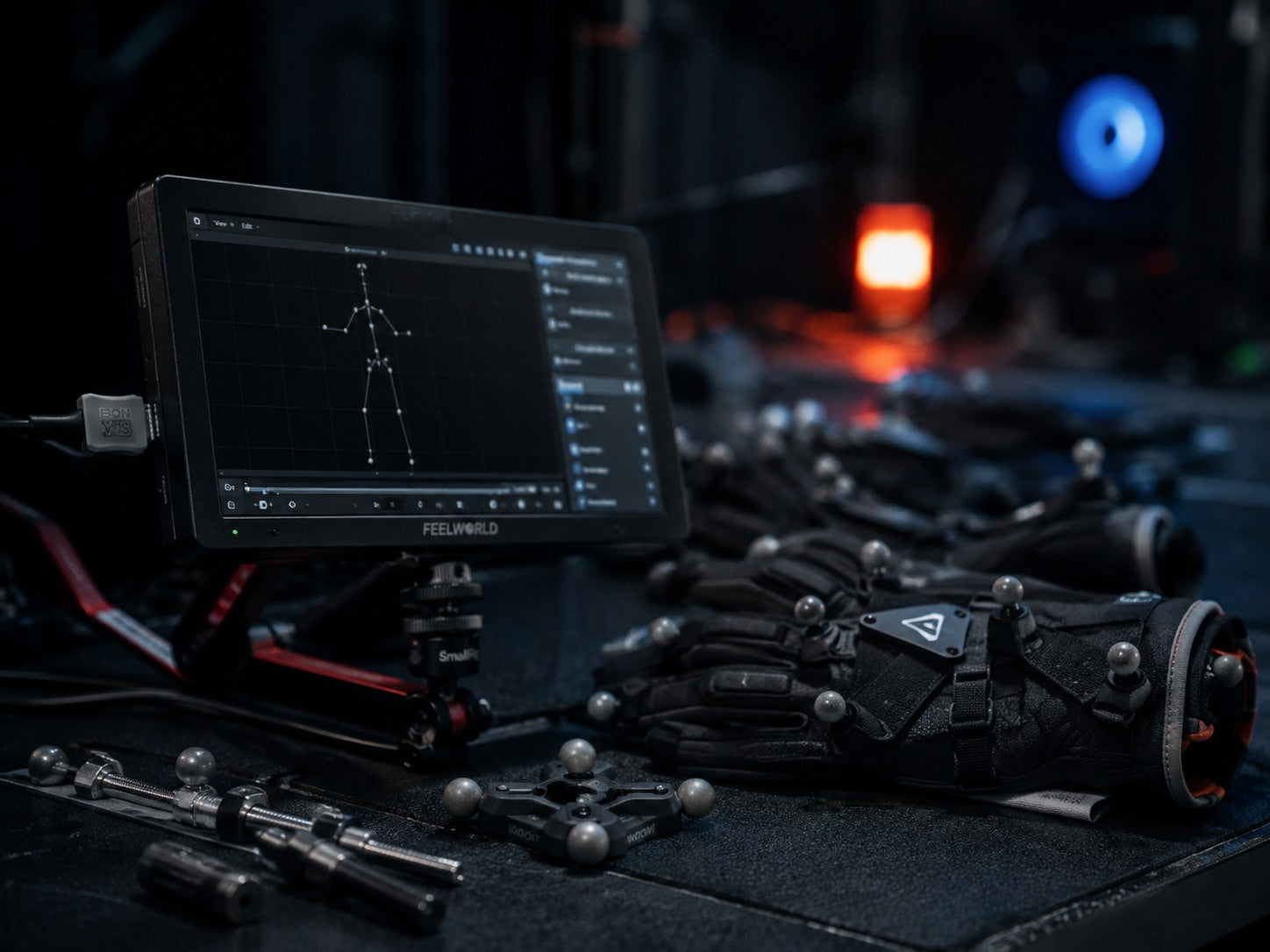
Program 01 / one-to-one
Focused Workflow Lecture
$150 / 1 hour
A direct session built around your questions, equipment decisions, software setup, capture problems, or production workflow.
Request this sessionMotion Capture education built around real production workflow. See the equipment, software, calibration, capture, cleanup, and delivery process in action instead of learning from theory alone.
Explore training programs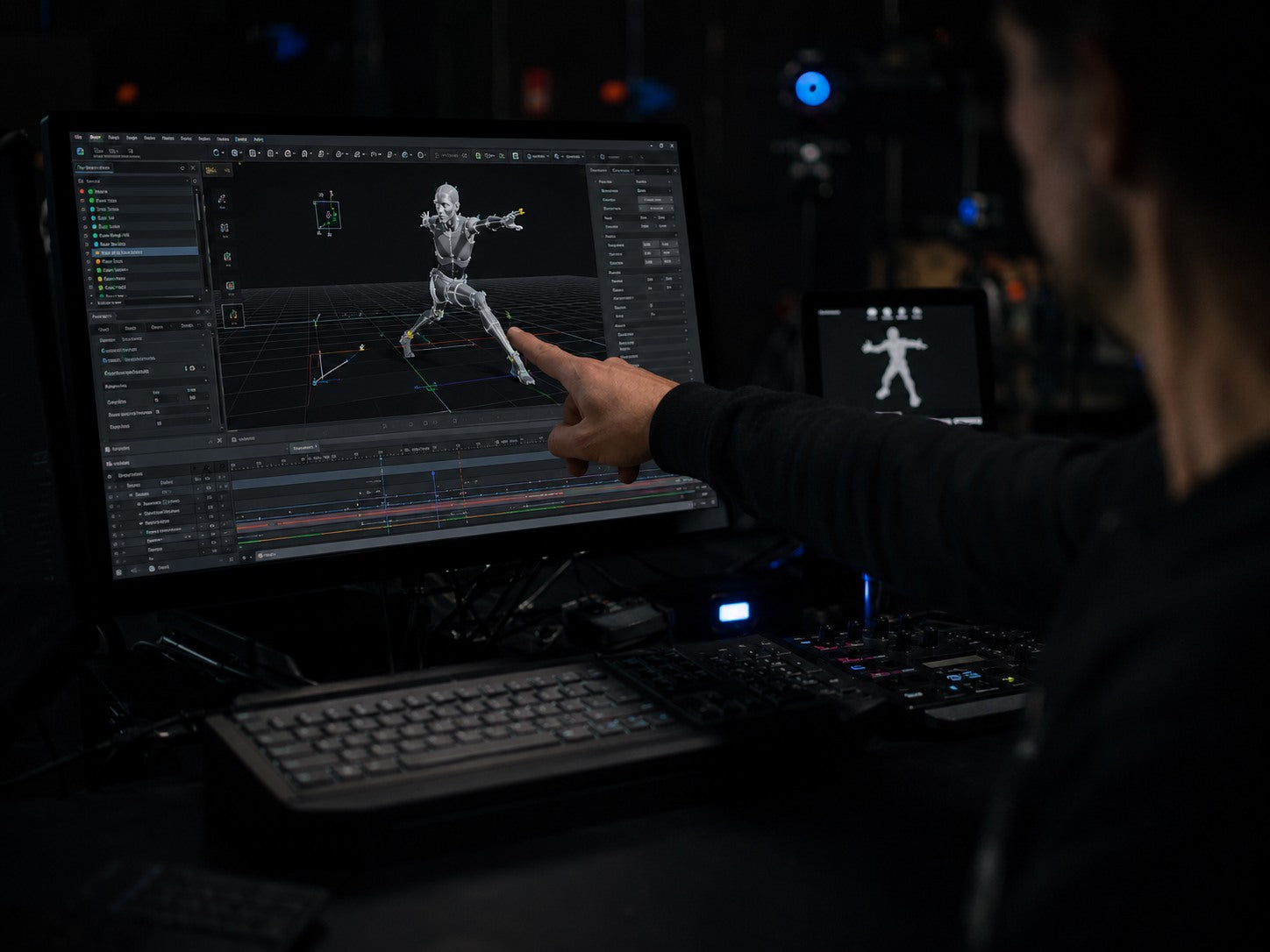
The objective is operational understanding: what each component does, where common failures occur, and how decisions made during capture affect the final animation.
A direct session built around your questions, equipment decisions, software setup, capture problems, or production workflow.
Request this session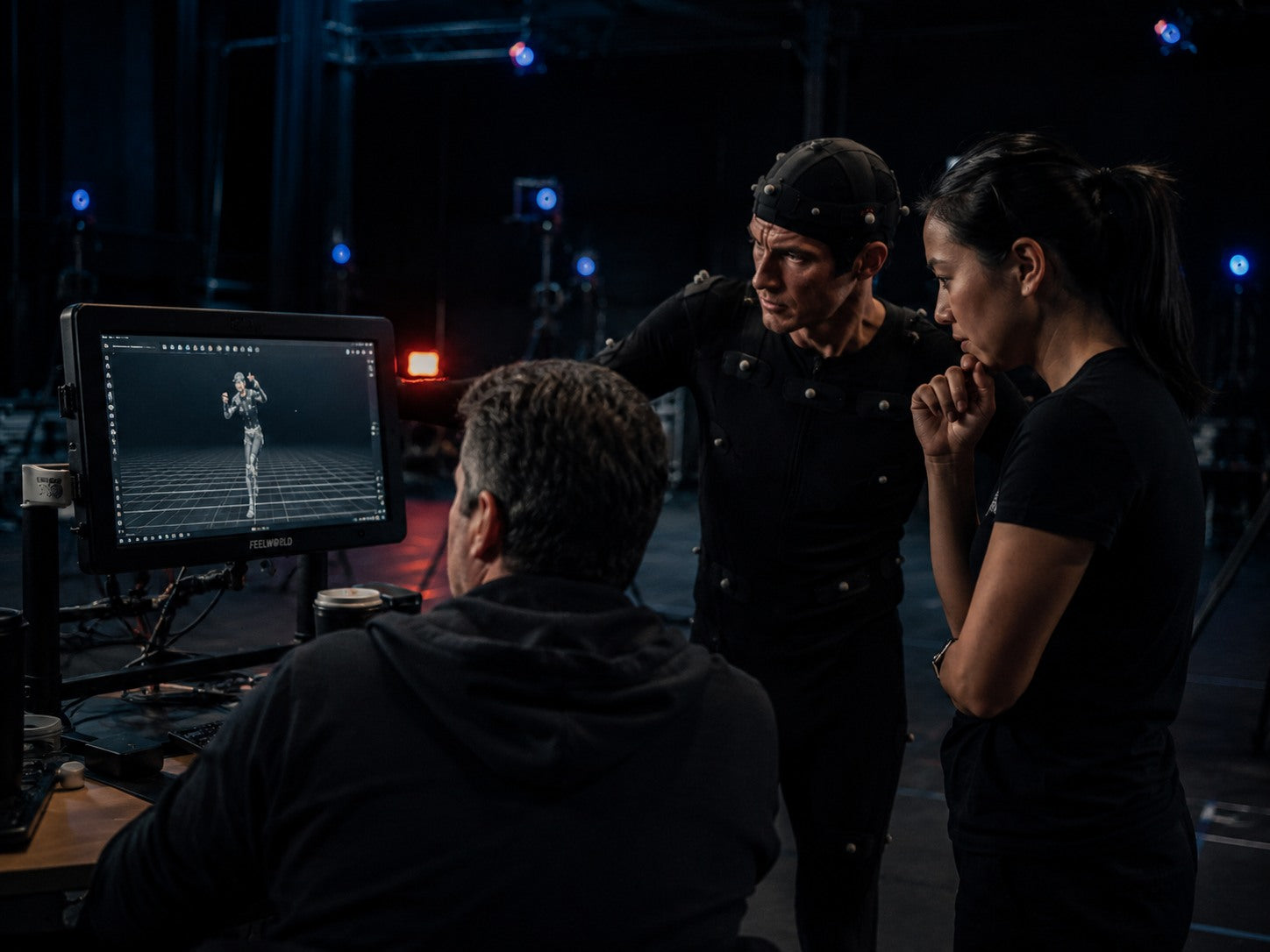
A structured team session using a shared production scenario to explain responsibilities, handoffs, technical checks, and data review.
Plan a group sessionA complete educational pathway covering system preparation, calibration, performance capture, data inspection, cleanup principles, retargeting, and delivery into a real-time or animation pipeline.
Apply for the course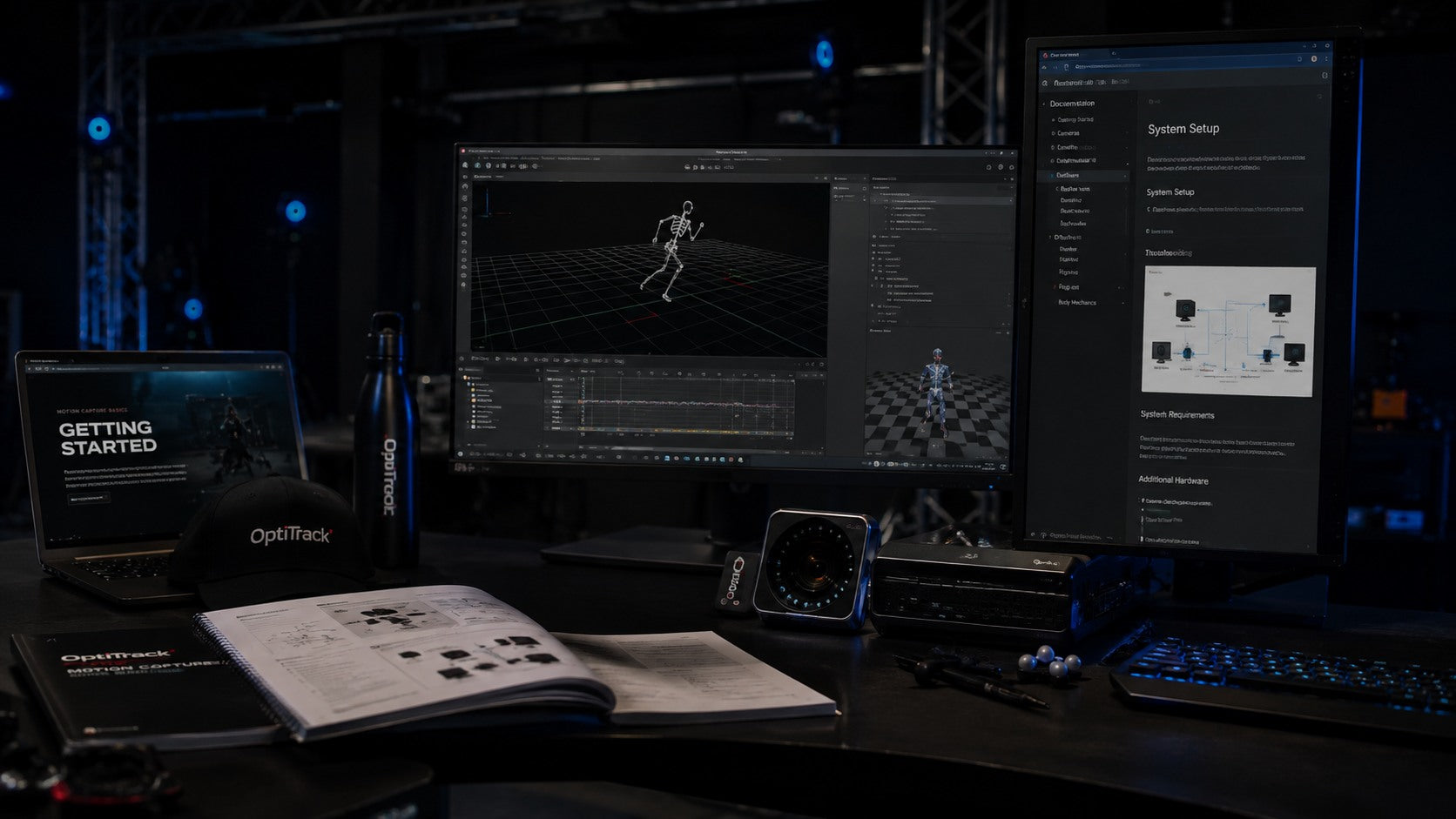
Understand the practical role of cameras, markers, capture suits, gloves, facial systems, synchronization, and supporting studio equipment.
See how capture software, animation tools, real-time engines, and data review interfaces connect across a professional workflow.
Receive official manuals and technical resources used during training, plus introductions to authorized product representatives where appropriate.


Prepare the performer, confirm the capture volume, calibrate the system, and record movement with a clean technical foundation.
Recognize the function of core hardware and software components, the dependencies between them, and the checks required before capture begins.
Understand the order of calibration, recording, validation, cleanup, retargeting, and delivery so that technical choices remain traceable.
Know where to find official documentation, compatible technical references, and authorized product contacts for continued study or equipment research.
Training is designed to improve technical understanding and workflow confidence. It does not promise employment, certification, income, or a specific production result.
“The calibration and cleanup sequence finally made sense because every step was shown inside the working software.”
“The session stayed focused on our actual capture problem instead of repeating broad theory we already knew.”
“Seeing the relationship between camera setup, tracking quality, and retargeting saved us a lot of trial and error.”
“The documentation references were useful because I could continue testing the exact functions discussed after the lecture.”
“The group format gave everyone a clear view of where their role connects to the rest of the production pipeline.”
“The instructor explained both what worked and why common setup choices failed, which made the workflow easier to repeat.”
“I appreciated that product guidance was separated from sales. The focus stayed on compatibility and practical requirements.”
Sample copy for layout and design only. Replace every entry with verified participant feedback before publishing. Do not present sample names or statements as real endorsements.
Tell us what you are learning, which equipment or software you use, and where the workflow is currently breaking down.